

This software seamlessly stitches together images of a scene taken in overlapping views. The process involves two
steps:
1) Image spatial alignment
2) Image intensity blending
Image spatial alignment is basically image registration; the only difference is the reduced overlap between the
images. Typically, there will be about 20 to 30 percent overlap between the images to be stitched together. Larger
overlaps simplify the registration process while smaller overlaps complicate the process. If the overlap between the
images is not sufficiently large, user interaction will be needed to align the images.
Image intensity blending is the process of finding intensities in the output from the weighted sum of intensities in
the input. If corresponding pixels in the images do not have intensity differences, the intensity of one or the other
image at the overlap area may be taken as the intensity of the output. This, however, is rare and often the images to
be registered have intensity differences due to various factors, such as change in sun angle, change in view angle of
the camera, and change in scene lighting due to cloud cover. Therefore, there often is a need to smoothly blend
intensities in the overlap area between the images so that there will be a smooth transition from one image to another
when the images are mosaicked. The weights are set inversely proportional to the distances of a pixel in the overlap
area to the closest border pixels in the two images and the weights are assigned such that their sum becomes equal
to one everywhere in the overlap area. Examples of image blending in this manner are given below.
steps:
1) Image spatial alignment
2) Image intensity blending
Image spatial alignment is basically image registration; the only difference is the reduced overlap between the
images. Typically, there will be about 20 to 30 percent overlap between the images to be stitched together. Larger
overlaps simplify the registration process while smaller overlaps complicate the process. If the overlap between the
images is not sufficiently large, user interaction will be needed to align the images.
Image intensity blending is the process of finding intensities in the output from the weighted sum of intensities in
the input. If corresponding pixels in the images do not have intensity differences, the intensity of one or the other
image at the overlap area may be taken as the intensity of the output. This, however, is rare and often the images to
be registered have intensity differences due to various factors, such as change in sun angle, change in view angle of
the camera, and change in scene lighting due to cloud cover. Therefore, there often is a need to smoothly blend
intensities in the overlap area between the images so that there will be a smooth transition from one image to another
when the images are mosaicked. The weights are set inversely proportional to the distances of a pixel in the overlap
area to the closest border pixels in the two images and the weights are assigned such that their sum becomes equal
to one everywhere in the overlap area. Examples of image blending in this manner are given below.
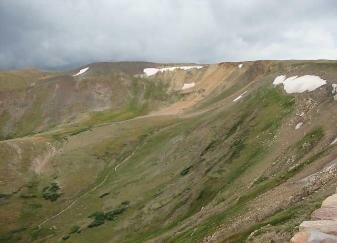
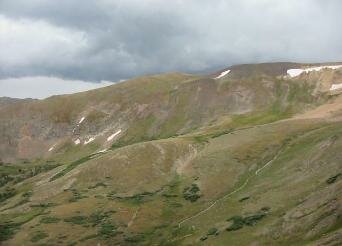
(c)
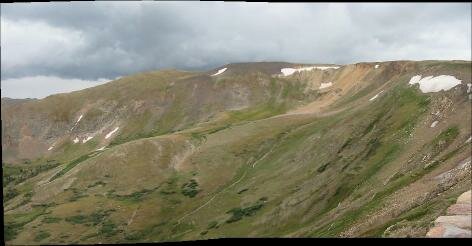
Fig. 1. (a), (b) Two images of an area in the Yellowstone National Park taken from different views but with some
overlap. (c) The mosaic constructed from the images with this software. The overlap area between adjacent images
was used to register the images. The intensities (colors) in the overlap areas are blended to create the mosaic.
overlap. (c) The mosaic constructed from the images with this software. The overlap area between adjacent images
was used to register the images. The intensities (colors) in the overlap areas are blended to create the mosaic.
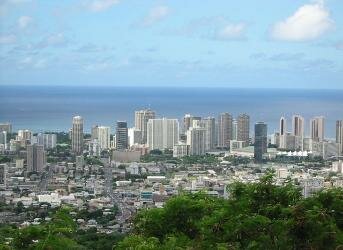
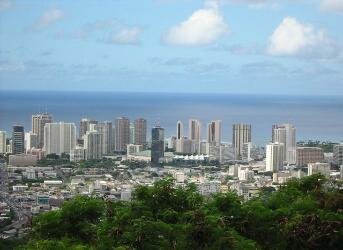
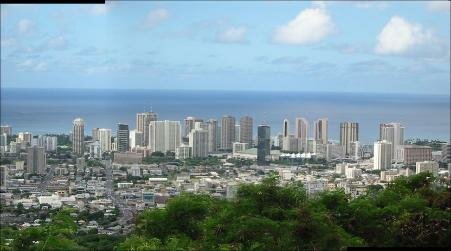
| Fig. 2. (a), (b) Two aerial views of Honolulu, Hawaii, downtown area. (c) The mosaic created from the two images. |
(d)
(a)
(c)
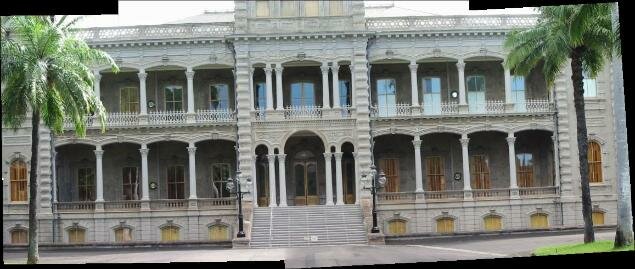
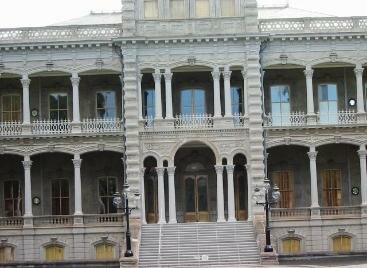
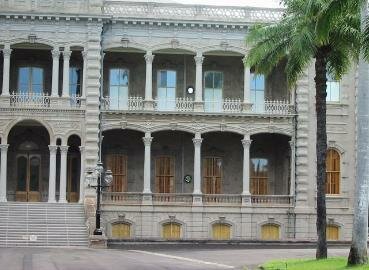
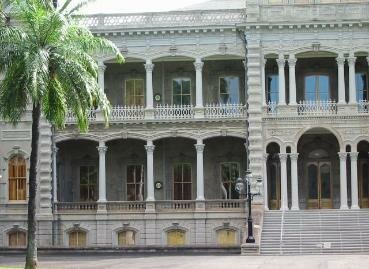
| Fig. 4. (a) - (c) Three images of King Iolani Palace. (d) The mosaic created from the three images. |
To obtain a license for this mosaicking software, follow this link =>

|

|

(a)
(b)
(a)
(b)
(c)
(a)
(b)
(c)
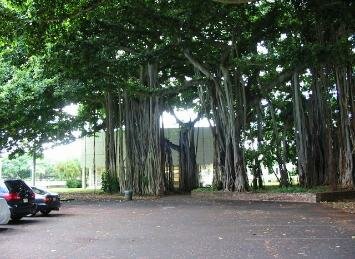
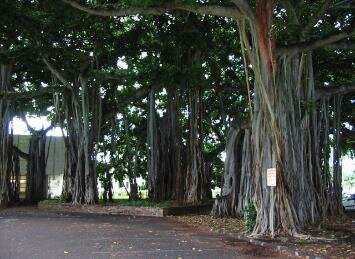
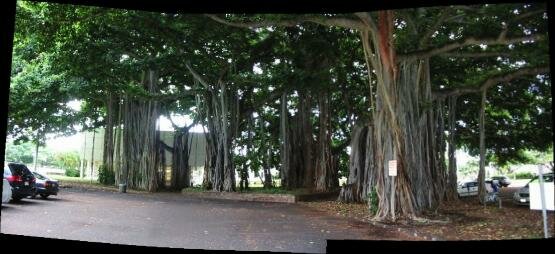
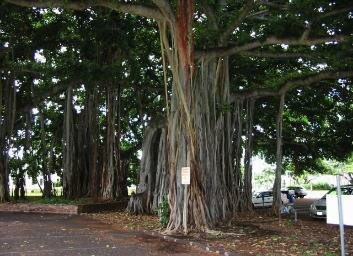
| Fig. 3. (a) - (c) Three images of a tropical tree. (d) The mosaic created from the three images. |
(b)
(d)
| Semi-auto nonrigid image mosaicking |
| Image Registration and Fusion Systems |
