| Semi-auto monomodality nonrigid registration |
| Image Registration and Fusion Systems |

|

|
In semi-automatic image registration, most work is done by the computer; however, the user is kept in the loop to verify the
correctness of individual registration steps and intervene when necessary. Examples of semi-automatic image registration are
given below. The user first selects a pair of corresponding points interactively to remove large translation, rotation, and scaling
differences between the images. This step makes it possible to reduce the search space in template-matching that follows.
Once the images are brought into approximate alignment through limited user interaction, the program will register the images
automatically while keeping the user in the loop. Image registration examples by this method are given below.
correctness of individual registration steps and intervene when necessary. Examples of semi-automatic image registration are
given below. The user first selects a pair of corresponding points interactively to remove large translation, rotation, and scaling
differences between the images. This step makes it possible to reduce the search space in template-matching that follows.
Once the images are brought into approximate alignment through limited user interaction, the program will register the images
automatically while keeping the user in the loop. Image registration examples by this method are given below.
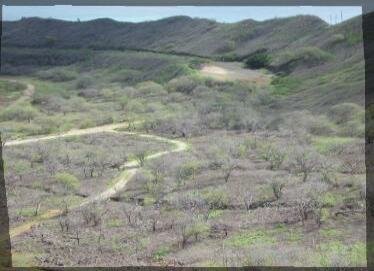
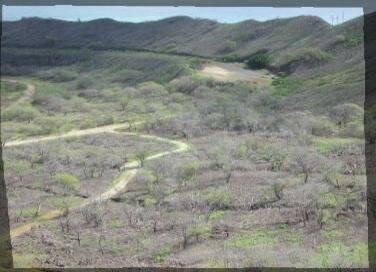
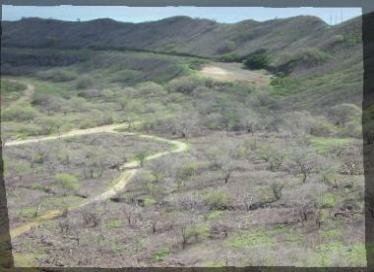
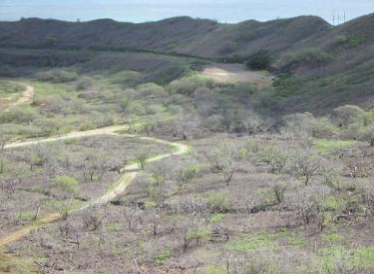
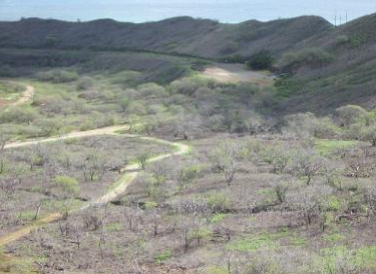
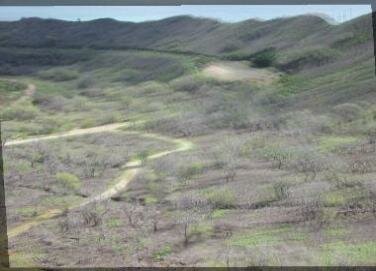
Fig. 1. (Top row) Two images taken from different viewpoints of the Diamond Head, Hawaii. (middle-left) Images registered by the
similarity transformation using two corresponding points in the images. (Middle-right) Images registered by the affine transformation
using three corresponding points in the images. (Bottom row) Images registered using additional corresponding points in the images
selected automatically by the program. Surface spline is used as the transformation function to finally register the images.
similarity transformation using two corresponding points in the images. (Middle-right) Images registered by the affine transformation
using three corresponding points in the images. (Bottom row) Images registered using additional corresponding points in the images
selected automatically by the program. Surface spline is used as the transformation function to finally register the images.
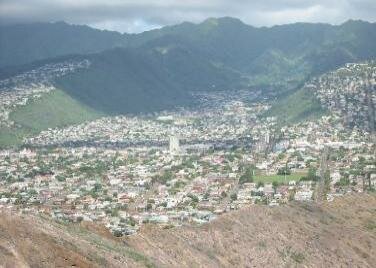
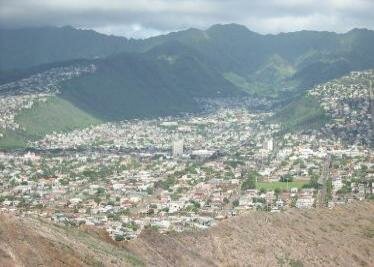
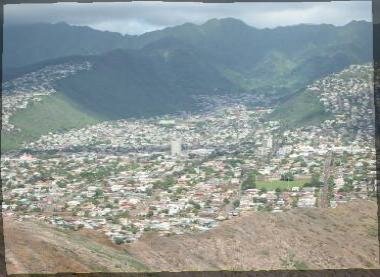
Fig. 2. (top) Two aerial images and (bottom) registration of the images by this software with about 50 automatically selected
corresponding landmarks in the images.
corresponding landmarks in the images.
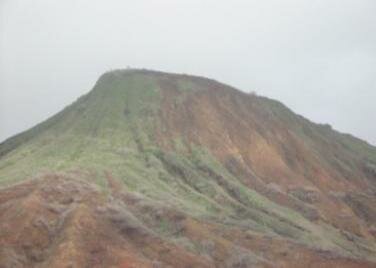
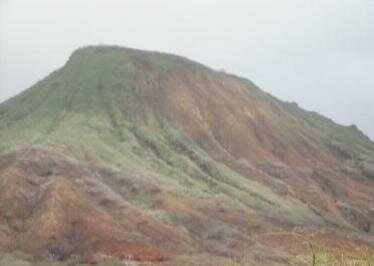
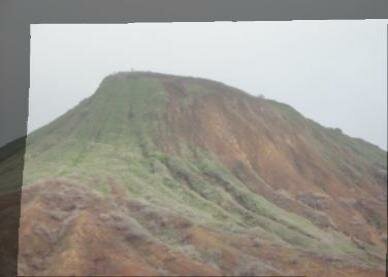
Fig. 3. Registration of images taken from different views of the Koko Head, Hawaii. Initially, three corresponding landmarks are
interactively selected from the images and the images are approximately aligned. Then, the program selects a few dozen additional
corresponding landmarks in the images and registers the images automatically.
interactively selected from the images and the images are approximately aligned. Then, the program selects a few dozen additional
corresponding landmarks in the images and registers the images automatically.
To purchase a license for this software, follow this link =>



